
Managing automated report delivery and distribution across multiple BI platforms can cause delays and manual work. Many current tools limit integrations, hide pricing, or force users into feature-tier licensing and complex setups. You can match the best report automation software to your enterprise environment and reporting workflow without trial-and-error or hidden costs.
Table of Contents
ChristianSteven Software
At a Glance
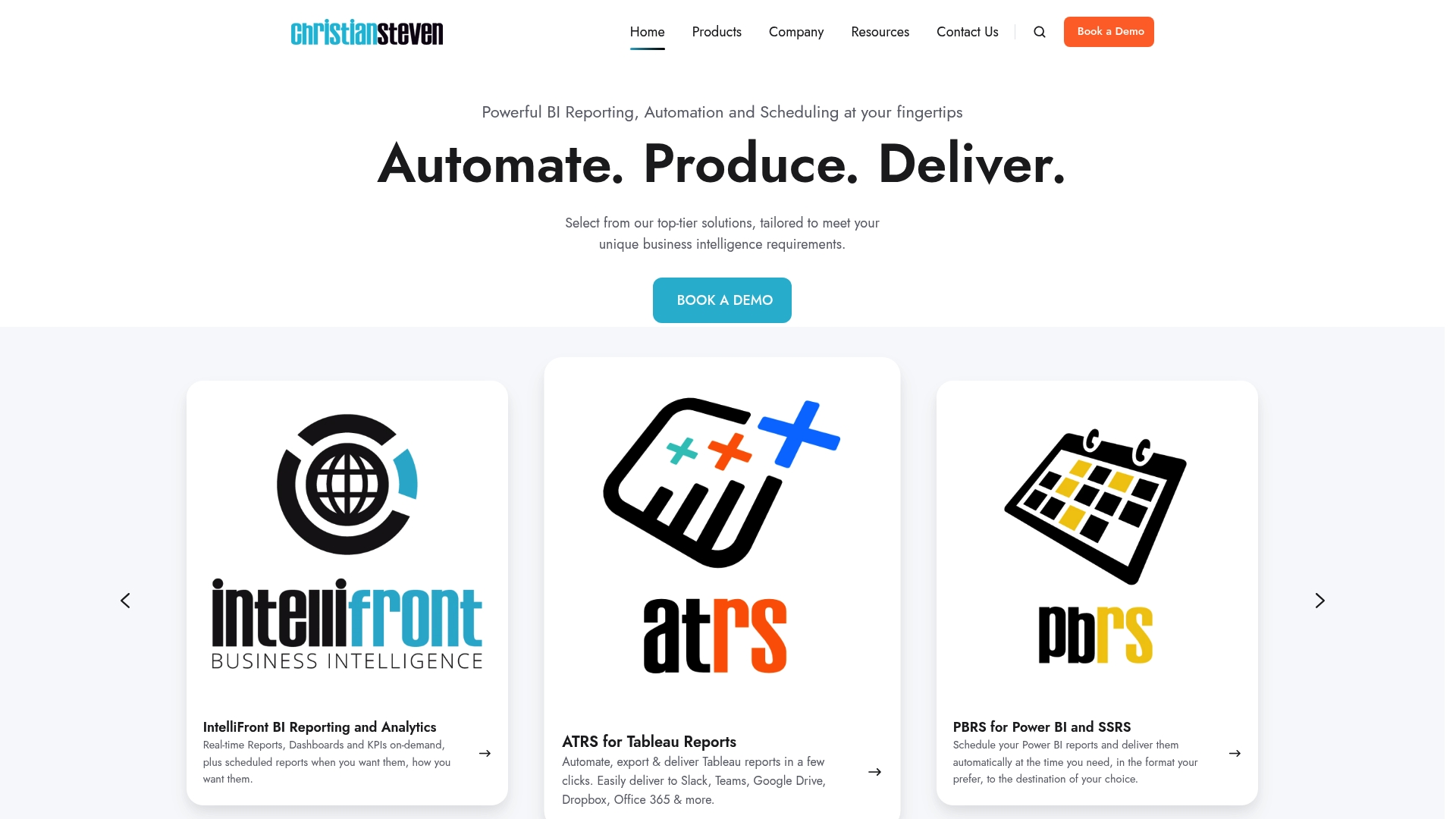
ChristianSteven Software reports nearly 5,000 clients across 47 countries. The company has delivered report automation and distribution tools since 2002 and emphasizes licensed products for Power BI, Tableau, and Crystal Reports. The platform carries SOC 2 Type II certification and offers a free trial for evaluation.
Core Features
ChristianSteven Software bundles scheduling and delivery for Power BI, Tableau, and Crystal Reports into a single workflow, with business process automation built into report generation and distribution. The product family includes PBRS for Power BI, ATRS for Tableau Reports, CRD for Crystal Reports, and IntelliFront BI for real-time dashboards and KPIs. Deployment supports self-service configuration and a free 30-day trial while current and future features are included in the licensing model.
Key Differentiator
Industry-standard security combined with a license that includes unlimited features, administrators, and users sets ChristianSteven Software apart. The platform targets enterprise report automation with a focus on end-to-end scheduling, formatting, and reliable delivery to specified destinations.
Pros
The company has operated in this space since 2002 and has deep experience automating cross-platform report workflows for large environments. ChristianSteven Software reports that all current and future features are included with licensing, which removes feature-tier decisions for admins. The vendor advertises consistently high customer satisfaction ratings, and the SOC 2 Type II certification plus real-time monitoring addresses security and compliance concerns for regulated organizations.
Cons
- Limited or unspecified integration with external cloud automation services and third-party APIs can restrict hybrid automation scenarios.
Who It's For
Large enterprises and data teams that run scheduled reporting across Power BI, Tableau, or Crystal Reports will find this product suited to their needs. Choose ChristianSteven Software when you need a single vendor to handle report generation, formatting, and delivery at scale with a predictable feature set.
Unique Value Proposition
Licensing ties to production usage or installations while including every current and future feature at no additional cost. That pricing approach reduces negotiation over add-on modules and lets IT buy for scale without tracking per-feature upgrades.
Real World Use Case
A multinational finance group schedules daily Power BI and Crystal Reports outputs for regional controllers and executive dashboards. ChristianSteven Software automates runtime, applies consistent formatting, and pushes reports to email, cloud storage, and collaboration tools so stakeholders receive the same files on schedule.
Pricing
Pricing is based on production usage or software installations and includes support and all features. The vendor offers a free 30-day trial so you can validate deployment and licensing impact before committing.
Website: https://christiansteven.com
reportworq
At a Glance
Contributors can submit structured Excel inputs without needing planning system licenses. That capability reduces the back and forth of manual uploads and file chasing during budgeting cycles. reportworq also claims AI governance to verify answers and control role access across reporting workflows.
Core Features
Reportworq automates delivery of finished reports directly from planning systems while leaving source models unchanged, which preserves existing FP&A processes. It links to planning tools and databases and pushes personalized outputs via email, Slack, Teams, SharePoint, and cloud storage. The platform also accepts structured Excel contribution files and applies AI governance rules for role access and data definitions.
Key Differentiator
The standout is deep connectivity to planning systems combined with AI governance for verifiable answers and role control. That mix lets finance teams keep their planning models intact while adding auditability and a single control layer over distributed report distribution.
Pros
Reportworq reduces repetitive reporting tasks by automating delivery from planning systems and by handling personalization for each stakeholder. It supports a broad set of data sources so teams can consolidate numbers from IBM Planning Analytics, Workday Adaptive Planning, SQL databases, and other systems. Nontechnical contributors can return budget inputs in Excel, which lowers the need for extra user licenses. The AI governance features support role based access, data definitions, and traceable answers that help auditors and controllers.
Cons
- Specific third party reviews or independent limitations are not publicly listed, so objective performance comparisons are limited.
- Setup for organizations with highly customized planning models may require significant implementation effort and vendor support.
- Pricing is not publicly listed, which makes cost planning before vendor conversations difficult.
Notable Integrations
Reportworq lists connectors to major enterprise planning platforms and collaboration channels. Integrations include IBM Planning Analytics, Workday Adaptive Planning, Anaplan, and common targets such as SQL databases, SharePoint, Slack, Teams, and cloud drives. These integrations cover both planning systems and delivery endpoints for reports.
Who It's For
Enterprise finance and accounting teams, FP&A analysts, CFOs, and controllers who manage spreadsheet heavy reporting processes will get the most value. Teams that need to collect offline inputs from contributors without issuing planning system licenses will find this approach practical.
Real World Use Case
A large bank automates quarterly board and regulatory reporting by extracting reports from its planning system, consolidating inputs from regional finance teams via Excel, and distributing personalized packages to executives and audit groups. The process shifts days of manual work into a repeatable automated cycle.
Pricing
Pricing is not publicly listed. You will need to request a quote from the vendor to learn about licensing, deployment options, and whether pricing is subscription or enterprise license based.
Website: https://reportworq.com
Mail & Deploy
At a Glance
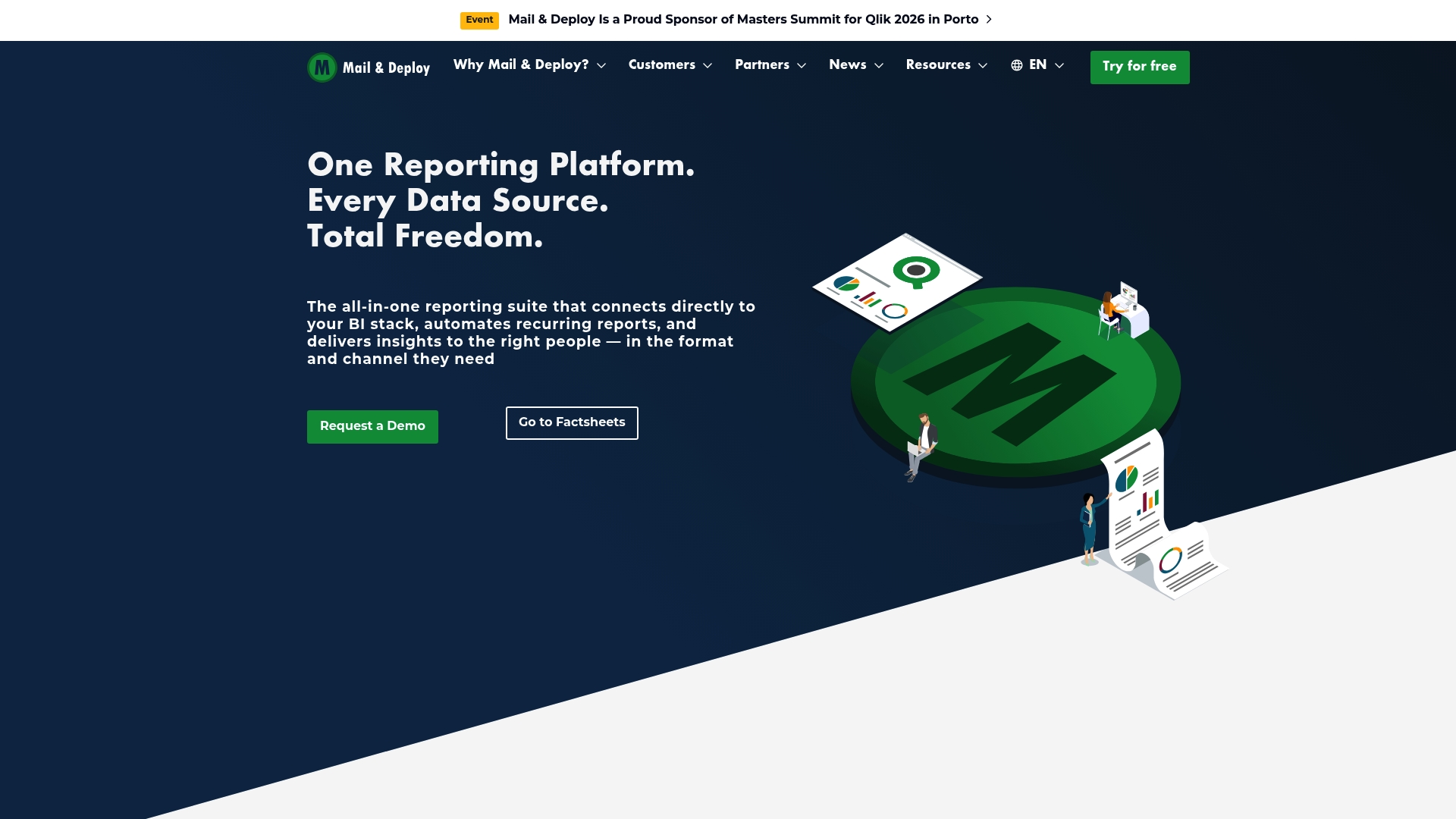
Mail & Deploy connects directly to Qlik, Power BI, Snowflake, and other platforms while offering on premise, cloud, or hybrid deployment. The product advertises flexible report formats such as PDF, Excel, PowerPoint, HTML, and CSV. Enterprises use it to schedule and deliver reports automatically to email, cloud storage, or portals.
Core Features
Mail & Deploy links to major BI tools and databases and it automates report creation and scheduling across those sources. The platform supports multiple output formats and it can send data driven notifications and alerts to stakeholders. Deployment options include on premise, cloud, and hybrid models and it exposes self service features to enable business users to run reports without IT intervention.
Key Differentiator
The standout is the single environment that supports many BI platforms together. That approach reduces tool fragmentation for teams using Qlik, Power BI, Snowflake, BigQuery, and Databricks. For organizations with mixed BI estates, that consolidated support simplifies report orchestration and delivery.
Pros
Mail & Deploy reduces the number of separate scheduling tools teams must run by supporting several BI platforms within one product. Flexible deployment choices let IT match security and governance needs with on premise or cloud installs. Self service capabilities free analysts to generate reports without asking developers for changes, which shortens delivery cycles. The product handles multiple output types and data driven alerts, which helps keep recipients informed in the format they prefer.
Cons
- Initial setup and configuration may require vendor or technical involvement for complex environments.
- Certain advanced features are likely to need SQL or BI platform expertise to tune and maintain.
- Third party reviews and detailed independent limitations are not provided in the source, so public assessments are limited.
When It May Not Fit
If your team lacks BI platform knowledge or access to a developer for initial setup, adoption may stall. Small teams that only run a single BI tool and prefer a lightweight scheduler could find Mail & Deploy more capability than they need. Organizations that require an entirely managed SaaS option may find the deployment options heavier relative to purely hosted vendors.
Notable Integrations
- Qlik
- Power BI
- SQL
- Oracle
- Snowflake
- BigQuery
- Databricks
- Dremio
Who It's For
Enterprise data teams and business analysts who need a central reporting automation layer across multiple BI platforms. IT groups that must meet strict deployment or governance rules and still enable analysts to run reports will find this alignment useful. Teams with mixed BI toolsets benefit most.
Real World Use Case
A multinational company aggregates sales data from SQL, Snowflake, and Power BI models. Mail & Deploy automates daily sales reports, converts them to PDF and Excel, and distributes them to regional managers by email and a secure portal. That flow removes manual report assembly and reduces delays caused by one off requests.
Pricing
Pricing is not publicly listed. Prospective buyers must contact the vendor or a reseller for tier details, licensing model, and deployment cost estimates.
Website: https://mail-and-deploy.com
Comparison of alternatives
Each report automation solution reviewed here offers unique strengths, but their applicability depends on enterprise goals and systems already in place.
Integration Versatility
Reportworq excels in its ability to integrate with a variety of financial planning systems and collaboration platforms while facilitating structured offline input from team members. This capability provides great flexibility and enhances the reporting workflow. Conversely, ChristianSteven Software delivers solutions for major BI platforms such as Power BI, Tableau, and Crystal Reports with bundled scheduling and delivery workflows, effectively reducing the need for multiple tool licenses. Mail & Deploy stands out by supporting hybrid environments with mixed deployments and diverse BI toolsets, accommodating complex reporting structures.
Deployment and Licensing
ChristianSteven Software employs a predictable licensing model that includes all current and future features, removing concerns regarding tiered feature scalability. Mail & Deploy, on the other hand, provides deployment in hybrid, on-premise, or cloud setups for teams requiring tailored installation options. Lastly, while reportworq omits clarity on pricing, its integration offerings can make it a cost-effective alternative for organizations already deeply integrated with its compatible platforms.
Best fit
- Enterprises primarily focused on multi-platform scheduling and delivery of Power BI, Tableau, and Crystal Reports should select ChristianSteven Software for its cohesive licensing model.
- Finance departments interacting across diverse planning systems while requiring structured Excel input capabilities may benefit most from reportworq.
- Organizations with mixed BI environments and demanding deployment requirements should consider Mail & Deploy for its wide platform support and flexible installation options.
- Data teams requiring a single tool to consolidate outputs across Qlik and BigQuery might prefer Mail & Deploy.
- Businesses needing governance and accountability features in their report management would benefit from the AI governance tools provided by reportworq.
Our pick
ChristianSteven Software is the choice for enterprises using Power BI, Tableau, and Crystal Reports and needing scheduling along with an inclusive licensing model. While it may not meet specific integration demands beyond those platforms, the solution provides scalability and ensures all current and forthcoming features are available under a highly favorable licensing scheme.
To assist in selecting software that excels in automated reporting and integration flexibility, consider the features, unique strengths, and limitations of the following options:
| Product | Core Features | Key Differentiator | Best For | Notable Limitation |
|---|---|---|---|---|
| ChristianSteven Software | Automated scheduling and delivery for Power BI, Tableau, and Crystal Reports | Enterprise licensing with unlimited features | Enterprises managing multi-platform reporting | Limited integration with third-party automation tools |
| reportworq | Direct reporting automation from planning systems | AI governance and role access control | Finance teams integrating structured Excel inputs | Complex setups for custom planning models |
| Mail & Deploy | Reporting for Power BI, Snowflake, and other platforms | Unified support for mixed BI environments | Data teams needing cross-platform BI orchestration | Advanced features may require technical expertise |
Challenges With Choosing go.christiansteven.com Alternatives for Enterprise Reporting
Organizations managing scheduled reports across Power BI, Tableau, or Crystal Reports face complex workflows and the need for reliable, secure automation. ChristianSteven Software solves this with over 20 years of experience automating end-to-end business intelligence reporting. Its solutions like PBRS for Power BI and ATRS for Tableau Reports handle report generation, formatting, and delivery with consistent quality and enterprise-grade security.
ChristianSteven Software offers a license that includes all current and future features with no hidden costs, making it easier for large enterprises and data teams to scale without tracking extra add-ons. See how this trusted platform can address your cross-platform BI reporting challenges by visiting ChristianSteven Software.

Consider scheduling your free trial at ChristianSteven Software today and experience automated report workflows tailored for your enterprise data teams. Take the step to deliver the right reports, at the right time, to the right people.
FAQ
How does ChristianSteven Software automate report delivery across different platforms?
ChristianSteven Software schedules and delivers reports automatically to specified destinations. It integrates with Power BI, Tableau, and Crystal Reports, allowing for streamlined scheduling and business process automation.
What is the difference between reportworq and ChristianSteven Software?
Reportworq excels in deep connectivity to planning systems, allowing users to submit structured Excel inputs without needing planning system licenses. ChristianSteven Software is a better option for enterprises looking for a single vendor handling end-to-end report formatting and delivery across multiple BI tools.
Can I use ChristianSteven Software if my team runs multiple BI tools?
Yes, ChristianSteven Software supports integration with Power BI, Tableau, and Crystal Reports. This feature makes it suitable for teams that require a comprehensive solution for report generation across different platforms.
How many clients does ChristianSteven Software serve?
ChristianSteven Software serves nearly 5,000 clients across 47 countries. This extensive reach highlights the platform's reliability and user satisfaction in report automation.
What support options does ChristianSteven Software offer during deployment?
ChristianSteven Software provides a free 30-day trial for evaluation, allowing teams to assess its features before committing. This trial can help organizations gauge its suitability for their reporting needs.